> For the complete documentation index, see [llms.txt](https://johnoraw.gitbook.io/lnp/llms.txt). Markdown versions of documentation pages are available by appending `.md` to page URLs; this page is available as [Markdown](https://johnoraw.gitbook.io/lnp/3.cli/non-volatile-storage.md).
# Non-Volatile Storage
Get used to the fact that on any managed switch you are talking to a computer. It is all the parts you might expect, with flash memory for non-volatile storage. Type the command dir to see the contents of flash.
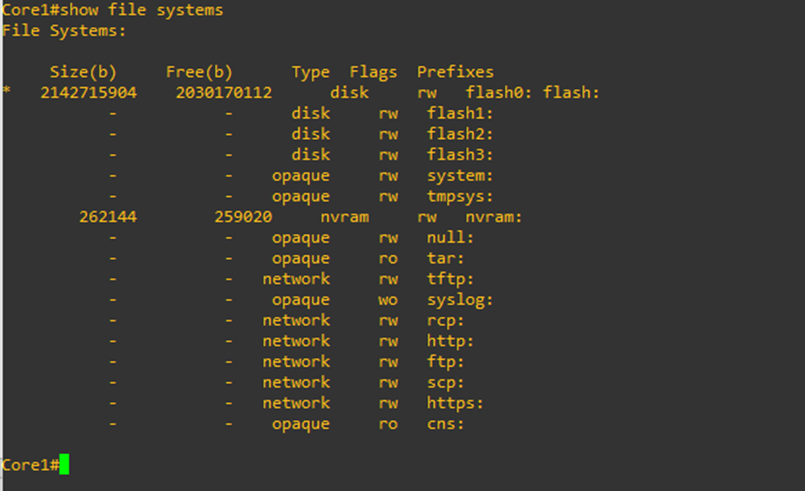
The operating system image can be seen, and the config file has a length of zero. But there may be more than one non-volatile store. Type the command **show file systems** to see.
Type **dir nvram:** to get a look at its contents.